LLM Sentiment Analysis#
OpenAI’s API provides access to language models like GPT 4o, GPT 4o mini, etc.
For more details, read OpenAI’s guide for:
Start with this quick tutorial:
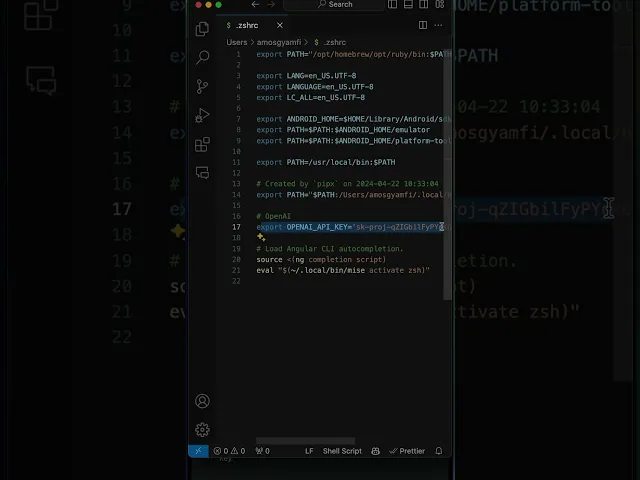
Here’s a minimal example using curl to generate text:
curl https://api.openai.com/v1/chat/completions \
  -H "Content-Type: application/json" \
  -H "Authorization: Bearer $OPENAI_API_KEY" \
  -d '{
    "model": "gpt-4o-mini",
    "messages": [{ "role": "user", "content": "Write a haiku about programming." }]
  }'
Let’s break down the request:
curl https://api.openai.com/v1/chat/completions: The API endpoint for text generation.-H "Content-Type: application/json": The content type of the request.-H "Authorization: Bearer $OPENAI_API_KEY": The API key for authentication.-d: The request body."model": "gpt-4o-mini": The model to use for text generation."messages":: The messages to send to the model."role": "user": The role of the message."content": "Write a haiku about programming.": The content of the message.
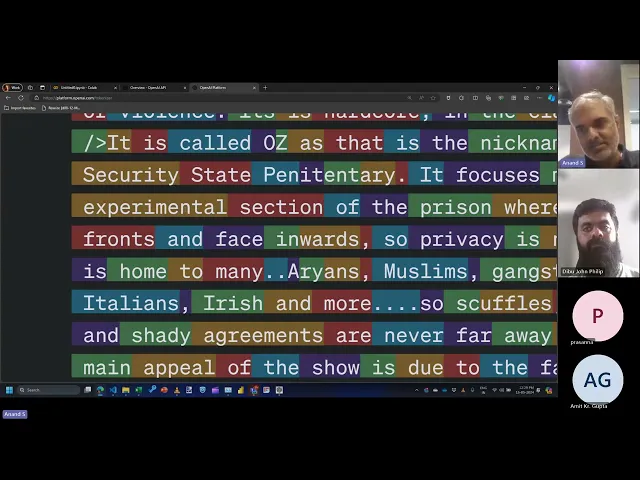
This video explains how to use large language models (LLMs) for sentiment analysis and classification, covering:
- Sentiment Analysis: Use OpenAI API to identify the sentiment of movie reviews as positive or negative.
- Prompt Engineering: Learn how to craft effective prompts to get desired results from LLMs.
- LLM Training: Understand how to train LLMs by providing examples and feedback.
- OpenAI API Integration: Integrate OpenAI API into Python code to perform sentiment analysis.
- Tokenization: Learn about tokenization and its impact on LLM input and cost.
- Zero-Shot, One-Shot, and Multi-Shot Learning: Understand different approaches to using LLMs for learning.
Here are the links used in the video: