Scraping IMDb with JavaScript#
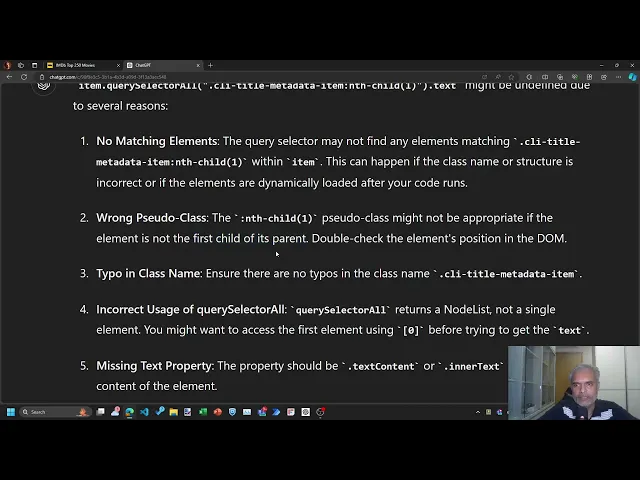
You’ll learn how to scrape the IMDb Top 250 movies directly in the browser using JavaScript on the Chrome DevTools, covering:
- Access Developer Tools: Use F12 or right-click > Inspect to open developer tools in Chrome or Edge.
- Inspect Elements: Identify and inspect HTML elements using the Elements tab.
- Query Selectors: Use
document.querySelectorAllanddocument.querySelectorto find elements by CSS class. - Extract Text Content: Retrieve text content from elements using JavaScript.
- Functional Programming: Apply map and arrow functions for concise data processing.
- Data Structuring: Collect and format data into an array of arrays.
- Copying Data: Use the copy function to transfer data to the clipboard.
- Convert to Spreadsheet: Use online tools to convert JSON data to CSV or Excel format.
- Text Manipulation: Perform text splitting and cleaning in Excel for final data formatting.
Here are links and references: