Data Cleansing in Excel#
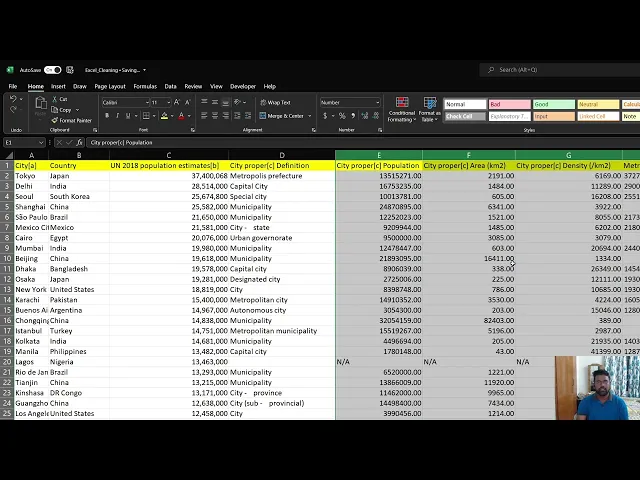
You’ll learn basic but essential data cleaning techniques in Excel, covering:
- Find and Replace: Use Ctrl+H to replace or remove specific terms (e.g., removing “[more]” from country names).
- Changing Data Formats: Convert columns from general to numerical format.
- Removing Extra Spaces: Use the TRIM function to clean up unnecessary spaces in text.
- Identifying and Removing Blank Cells: Highlight and delete entire rows with blank cells using the “Go To Special” function.
- Removing Duplicates: Use the “Remove Duplicates” feature to eliminate duplicate entries, demonstrated with country names.
Here are links used in the video: