Scraping with Google Sheets#
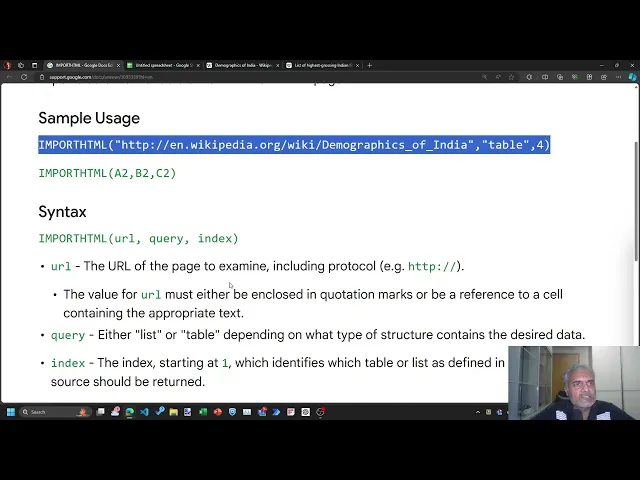
You’ll learn how to import tables on the web using Google Sheets’s =IMPORTHTML() formula, covering:
- Import HTML Formula: Use =IMPORTHTML(URL, “query”, index) to fetch tables or lists from a web page.
- Granting Access: Allow access for formulas to fetch data from external sources.
- Checking Imported Data: Verify if the imported table matches the data on the web page.
- Handling Errors: Understand common issues and how to resolve them.
- Sorting Data: Copy imported data as values and sort it within Google Sheets.
- Freezing Rows: Use frozen rows to maintain headers while sorting.
- Live Formulas: Learn how web data updates automatically when the source changes.
- Other Import Functions: IMPORTXML, IMPORTFEED, IMPORTRANGE, and IMPORTDATA for advanced data fetching options.
Here are links used in the video: